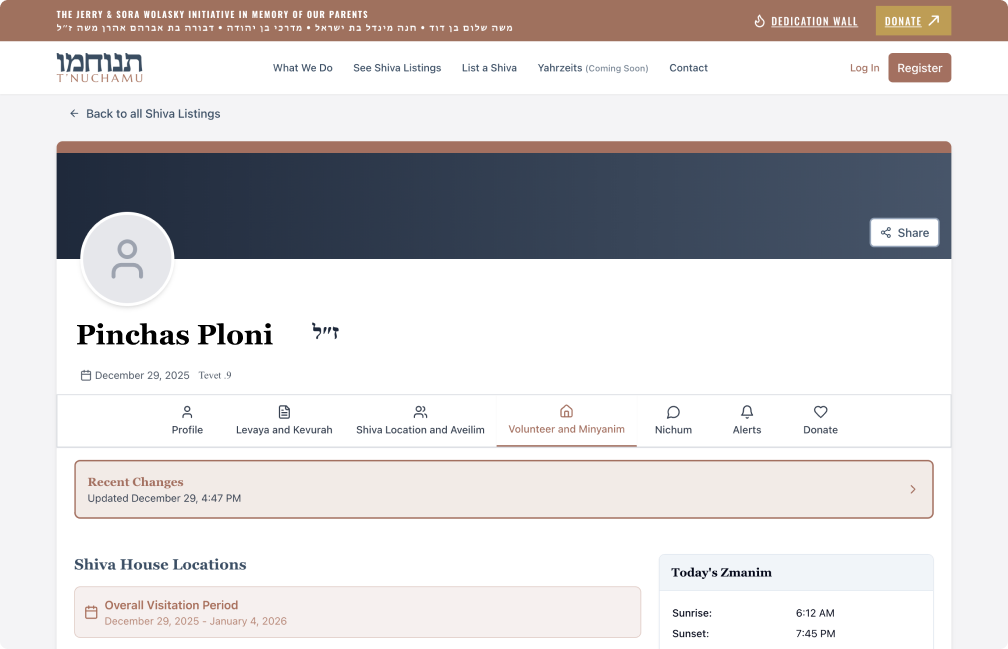
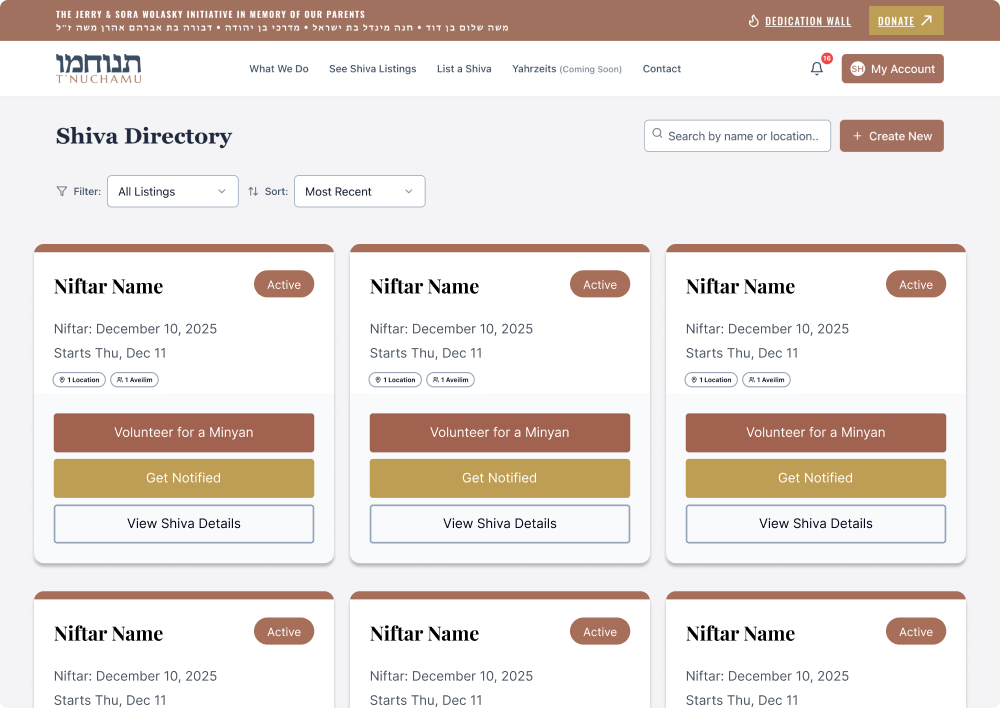
Someone close to the aveilim uploads details about the deceased and mourners, including burial information, shiva schedules, minyan times, and meal arrangements.
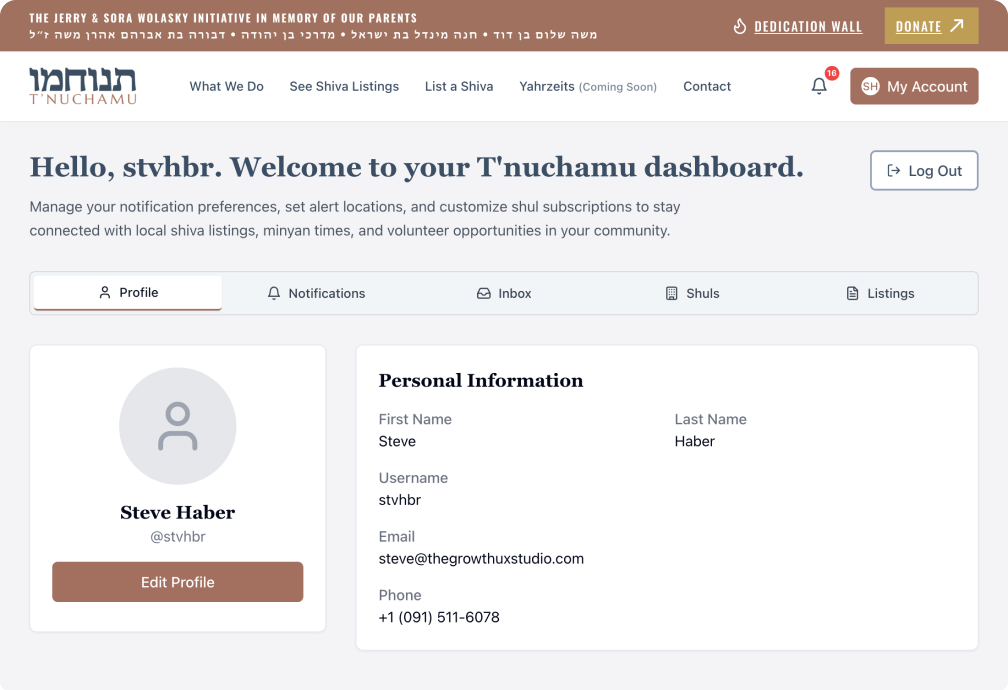
Register and set up your profile
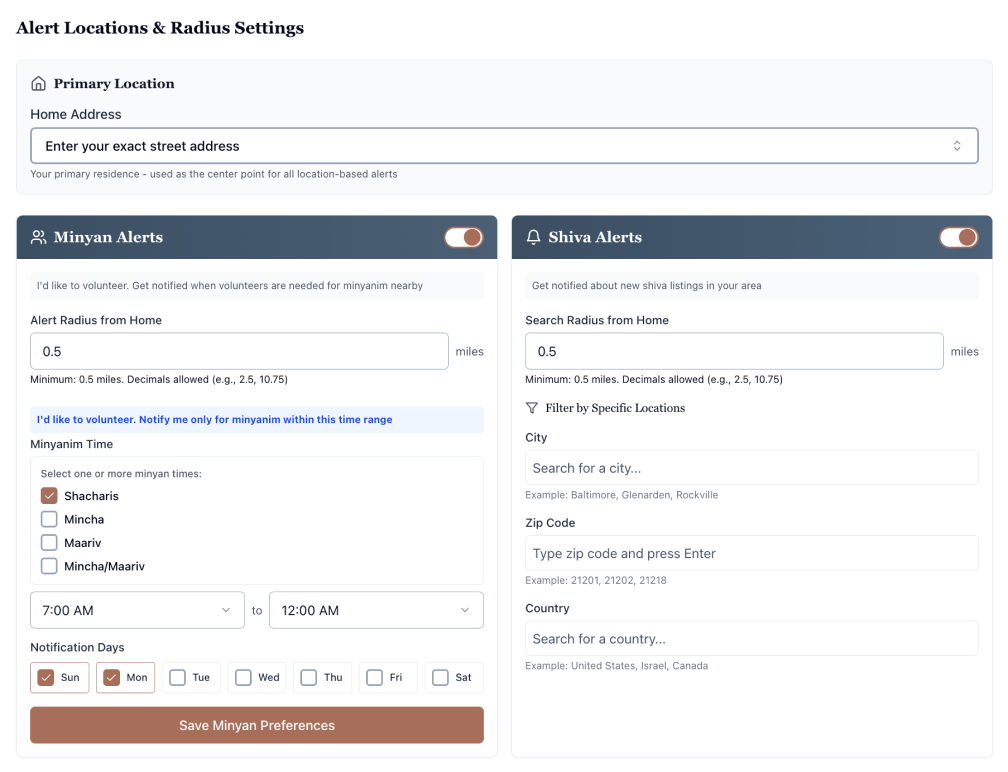
Update your profile and personal preferences for Minyan and Shiva notifications
Choose how to receive notifications (SMS, WhatsApp, email)
set your alert notifications
Choose which shiva homes you receive alerts for.
Filter alerts by city, neighborhood, or region.
Set distance preference and change the cities or areas you follow.
Receive alerts only for niftarim associated with specific shuls.
Receive shiva updates (aveil location changes, minyan time changes, etc.)
Choose to be notified X days before the end of a shiva so you don’t miss the mitzvah of nichum aveilim.
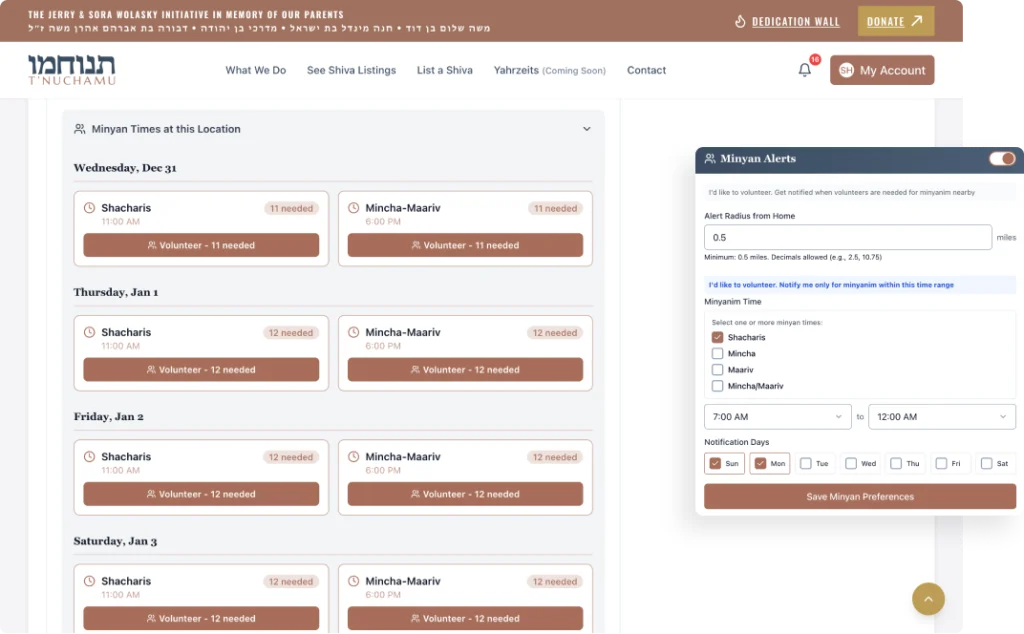
Volunteer for Minyanim
Register as a volunteer for minyanim.
Set or change your volunteer availability.
Turn volunteer alerts on or off.
Support the family
Contact the family through the shiva listing
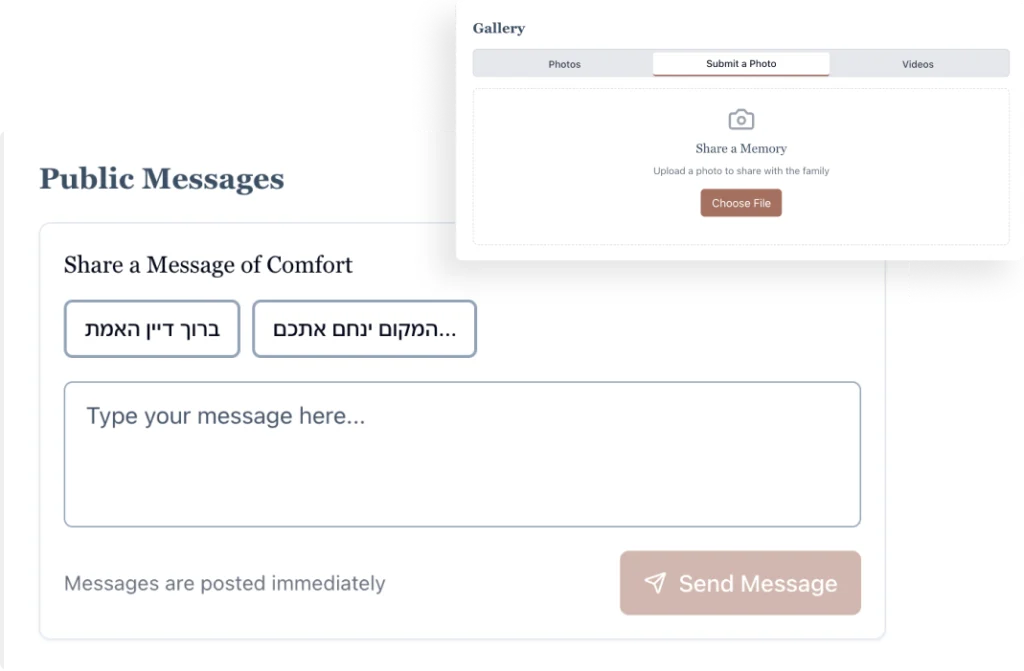
Post a message of nichum aveilim on a shiva page
Add photos or videos to a shiva page
Coordinate meals for the family using the provided link and delivery notes with dietary needs and more.
Participate in learning for the Shloshim using the listed organization and Mishnayos link
Save, share, and report
Save or follow a specific shiva listing to receive updates.